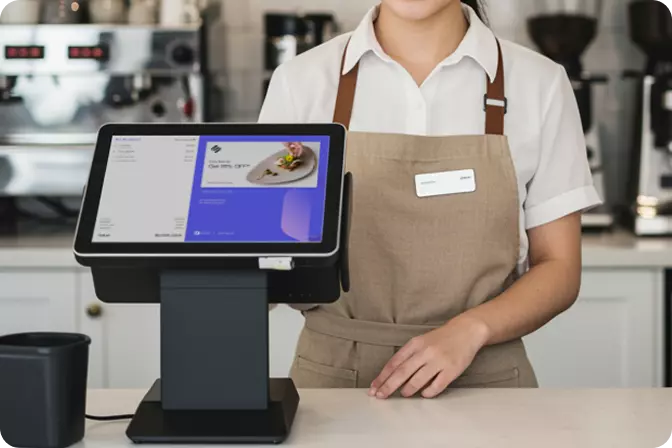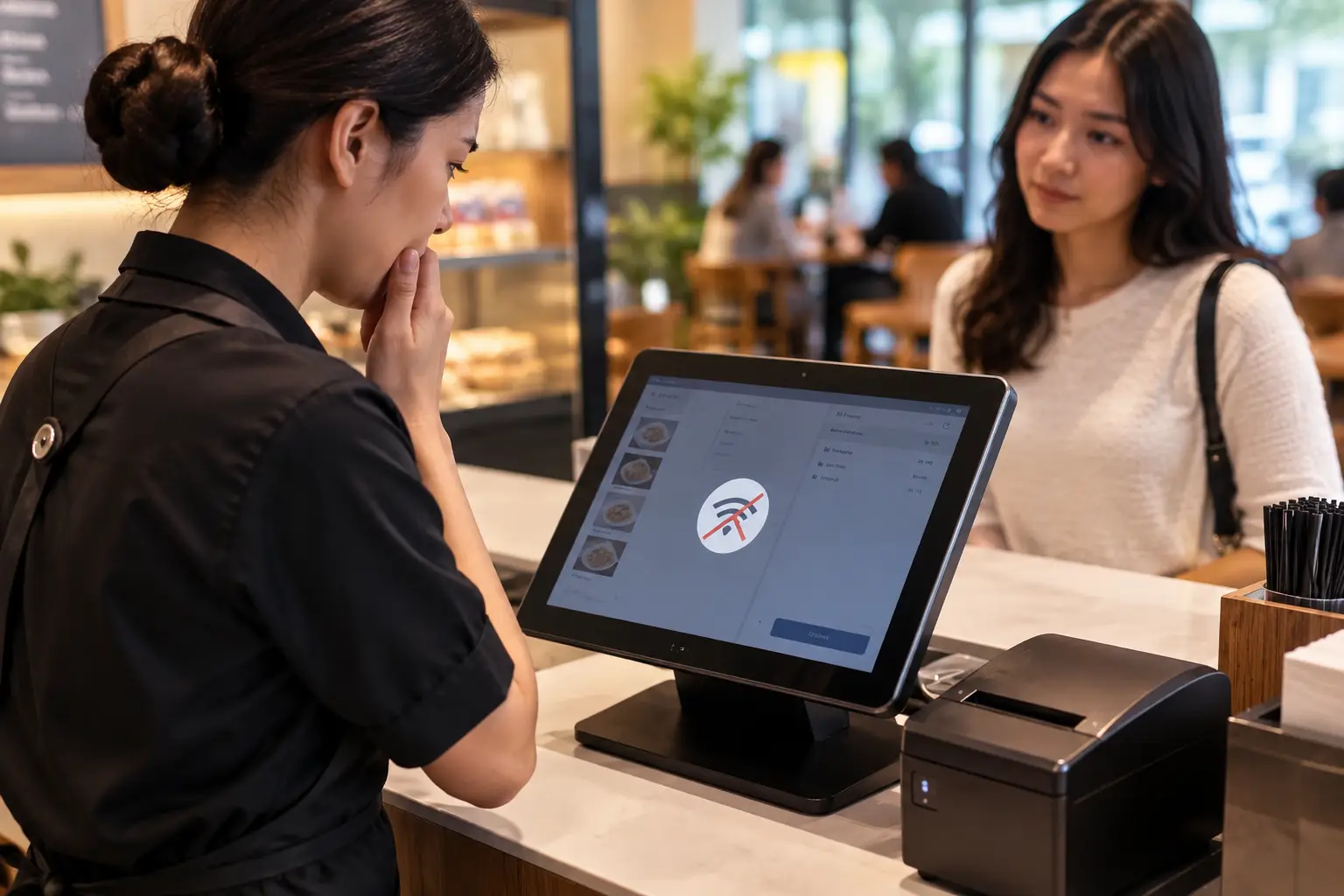
A POS app without internet lets a cashier keep recording sales when the signal drops, Wi-Fi fails, or the provider's service goes down. For an outlet that is busy at peak hours, a queue frozen for even a few minutes is enough to send customers away.
However, the term is often misunderstood. Not every POS app that advertises offline capability can run every function without a connection. Digital payments, refunds, and cross-branch stock updates, for instance, frequently still require internet access.
What Is a POS App Without Internet?
A POS app without internet is cashier software that stores transactions directly on the device, whether a computer, laptop, tablet, or Android phone. As a result, sales are still recorded even when there is no connection. It is also known as an offline POS app or offline mode. All transaction data in an offline POS app is stored directly on the device. That is why transactions feel faster and do not depend on a central server.
Three Models to Distinguish
- Pure local offline. All data resides on the device or a local server, and no internet is required at all. The drawbacks are that backups are usually manual and reports are visible only from specific devices.
- Hybrid. The system keeps working offline, then uploads data to the cloud as soon as the connection is restored. This is the model used by most of the products we reviewed.
- Cloud with limited offline mode. Offline mode only rescues basic recording, while many other functions still require a connection.
Why Do Businesses in Indonesia Need a POS App Without Internet?
The Scale of Businesses Affected
Connectivity problems at the cash register affect a very large number of businesses:
- MSMEs: According to the Ministry of Cooperatives and SMEs, Indonesia has 64.2 million MSMEs, contributing about 61% of GDP and employing about 97 percent of the workforce.
- QRIS: Bank Indonesia recorded 12.55 billion QRIS transactions in the first half of 2026, with more than 66 million users and nearly 45 million merchants.
- MSME dominance: As of June 2026, about 96.68% of QRIS merchants were MSMEs.
As digital payments grow busier, every transaction that fails to be recorded means lost sales data, unadjusted stock, and inaccurate reports. For this reason, a cashier's ability to keep working when the network is disrupted becomes part of operational resilience.
Getting to Know OmniPOS
OmniPOS is POS (Point of Sale) software from Omni, a single platform for transactions, stock, and reports, accessible across different branches, and can be integrated with the CRM system from Stamps. OmniPOS covers F&B, retail, salons and barbershops, laundries, car wash, skin care, and medical clinics sectors.
OmniPOS Features
- Works without internet: Operations run smoothly even while offline.
- Automatic stock updates: Every transaction updates inventory levels automatically.
- Business reports: Data is available anytime and anywhere, including sales reports, best-selling products, and peak-hour analysis.
- Real-time multi-outlet dashboard: Owners can monitor many branches from one back office.
- Stamps Loyalty integration: A link between cashier transactions and the customer loyalty program from Stamps CRM.
- Supporting products: Integrated with food aggregation (GoFood, GrabFood), and Omni Kiosk for a self-ordering system.
- Data Safety: ISO 27001:2022 certified, which is an international standard for an Information Security Management System.
How to Test Offline Mode Before You Subscribe
This method saves time and money because it reveals actual behavior rather than feature claims.
- Activate a trial or schedule a demo.
- Make sure product and price data are synced before testing.
- Cut the internet on the cashier device using airplane mode or by unplugging the Wi-Fi.
- Process about 10 transactions covering cash, discounts, voids, refunds, and a new customer.
- Note any functions that fail or are disabled.
- Turn the internet back on, then check whether all transactions appear in the report, stock is reduced correctly, and there are no duplicates.
- Repeat with two cashier devices to see how data conflicts are handled.
Choose the POS App Without Internet That Proves Itself in a Trial
The best POS app without internet is not the one with the most claims, but the one whose offline behavior is proven when tested on your own workflow. Map your needs, compare the offline feature limits, and then test two to three candidates using the method in this article before deciding.
For businesses that want the register to keep running when the signal drops while staying connected to their customer strategy, OmniPOS from Stamps deserves a place on the test list. Its official website states that the system keeps working without internet, manages online and offline orders in one app, and provides real-time stock control and reports accessible at any time. A real-time multi-outlet dashboard helps owners monitor every branch from one place.



 EN
 ID