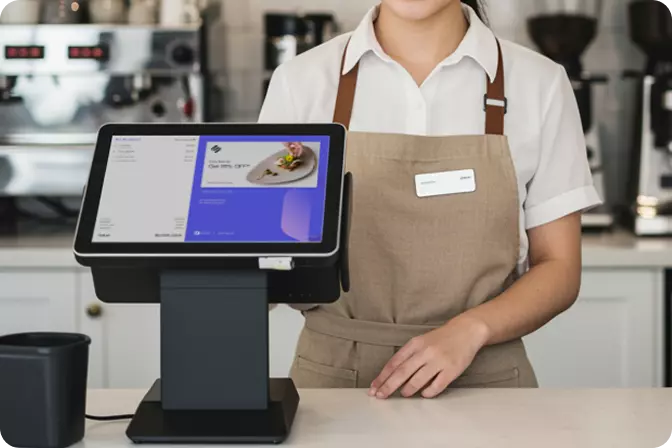

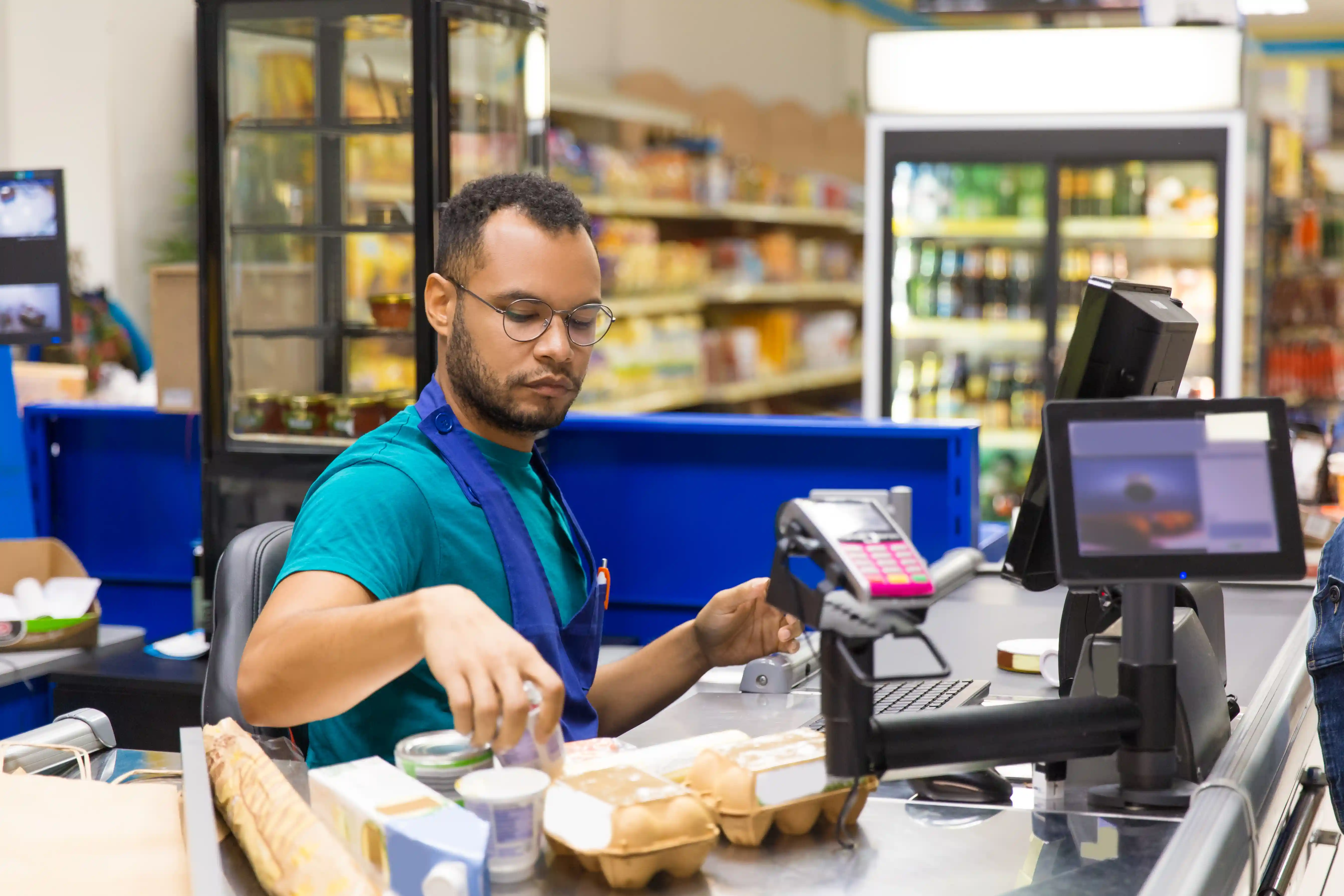
Retail POS software is a software-based system that records transactions at the point of payment, updates stock data automatically, manages pricing and promotions, and delivers sales reports in real time. For retail business owners, it functions as an operational control centre rather than a device for printing receipts. This article explains how the system works, the categories available, the features that matter most, the business benefits, examples of how Indonesian retailers use it, a comparison of the options, and practical advice on choosing a system suited to the scale of your business.
The most common problem in retail is the discrepancy between the stock recorded in the system and what is actually sitting on the shelf. This gap has many sources: manual data entry, transactions that never get logged, returns that are not processed, or discounts applied without approval.
The consequences run in both directions. When an item is out of stock while the system still shows availability, the sale is lost. When stock accumulates because purchasing does not reflect actual demand, working capital is tied up and the goods end up heavily discounted at the close of the season.
The scale of this problem is considerable. Research by IHL Group estimates that global retail losses from inventory distortion, meaning the combined cost of out-of-stock and overstock situations, reach USD 1.77 trillion, equivalent to 6.5% of total worldwide retail sales. Asia-Pacific accounts for the largest share at roughly USD 642 billion.
An integrated POS system closes this gap in a straightforward way: every transaction updates stock data immediately, with no need to wait for a manual reconciliation at the end of the day.
The process can be understood in three stages.
Stage one: transaction capture. The cashier scans an item, and the system reads the price, any active promotion, the customer's membership status, and the payment method. Member pricing is applied automatically, bundled offers are calculated on the spot, and loyalty points accrue without manual input.
Stage two: data synchronisation. Once the transaction is complete, the data is sent to a single repository shared across all branches. Stock is deducted, sales figures are posted to the books, and the customer's purchase history is updated.
Stage three: reporting. The accumulated data is converted into reports that can be read straight away, covering margin by product, peak trading hours, performance across outlets, and projected stock requirements.
One additional point matters in the Indonesian context. OMNI POS continues to process transactions when the internet connection drops, then synchronises the data automatically once connectivity returns. This capability is particularly relevant for outlets in shopping mall basements or shophouses where the signal is unreliable.
Three categories of system are commonly used, each covering a different scope of functions.
These systems record payments and print receipts. The cost is low, but the data they generate is limited to transaction values. They suit single-location stores with a small product range.
Point of sale, inventory management, pricing, promotions, and reporting all sit within one system shared across every branch. This category fits businesses running more than one outlet and managing thousands of SKUs.
In addition to recording transactions, these systems manage customer data, run loyalty programmes, and send automated offers to shoppers who have not returned within a set period. They suit chains whose growth depends on repeat customers.
Vendors typically offer a long list of features. The following have the greatest bearing on operational results.
Greater operational efficiency. Manual reconciliation is no longer required, daily reports are generated automatically, and the operations team can concentrate on serving customers.
More accurate stock control. Discrepancies at stocktake narrow, slow-moving products are identified earlier, and purchasing can be aligned with actual demand.
Visibility across branches. The performance of every outlet can be monitored from a single dashboard, including when you are away from the premises.
Decisions grounded in data. Seasonal patterns, high-margin products, and branches worth expanding can all be identified from the data already collected.
These benefits are borne out by industry research. IHL Group found that retailers using artificial intelligence to manage inventory recorded sales growth 2.3 times higher and profit growth 2.5 times higher than their competitors.
Multi-outlet fashion chains. Their primary requirement is tracking variants across size, colour, and style, along with stock transfers between branches. Without centralised data, merchandising teams work from information that is several days out of date.
Jewellery and high-value goods retailers. Their priority is control. Every price change requires approval and must leave a traceable record.
Supermarkets and everyday goods stores. Their focus is transaction speed and stock accuracy, given the large number of SKUs and high turnover.
OMNI POS is used across all three categories, including by Levi's, Toys Kingdom, AZKO, and Frank & Co.
|
Aspect |
Basic cashier application |
Legacy on-premise POS |
Modern integrated POS |
|
SKU capacity |
Hundreds to thousands |
Large but inflexible |
Tens of thousands, still responsive |
|
Multi-branch support |
Limited |
Requires additional integration |
Centralised and automated |
|
Offline mode |
Rarely available |
Available |
Available with synchronisation |
|
CRM and loyalty |
Limited |
Must be built in-house |
Built into the system |
|
Cost structure |
Low upfront |
High and ongoing |
Subscription-based and predictable |
|
Best suited to |
Single-location stores |
Companies with large IT teams |
Growing retail chains |
Once you have settled on a category, compare the shortlisted vendors on three points: the scope of integration you actually require, the total recurring cost including migration and training, and how easily your floor staff can learn to use the system.
Start with the problem, not the feature list. Identify the biggest pain point in your store first, whether that is stock discrepancies, unauthorised discounting, or reports that arrive too late. Choose the system that resolves it.
Run a trial in your busiest outlet. Give it two to three months so that the results reflect real conditions. Test how the system performs when the product catalogue expands significantly.
Examine the quality of after-sales support. Response time when something goes wrong during trading hours often matters more than the number of features on offer.
Confirm that data security standards are met. Retail customer records include phone numbers and purchase histories. OMNI POS is ISO 27001 certified, and this is a reasonable minimum benchmark to apply to any vendor.
Digital payment has become the norm. Bank Indonesia recorded QRIS transactions worth Rp600.69 trillion in the first half of this year, an increase of 89.52% year on year, with approximately 66 million users and 44.86 million participating merchants. POS systems now need to handle several payment methods within a single transaction.
The POS technology market continues to expand. Grand View Research values the global point-of-sale software market at USD 17.1 billion and projects it will reach USD 38.8 billion within the next eight years, with Asia Pacific contributing 31.7% of global revenue.
Business digitalisation is spreading. Around 30 million Indonesian MSMEs have gone digital, and the government is targeting 35 million. Competition in the mid-tier retail segment will intensify as a result.
What are the signs that our POS system is no longer adequate? When the reports you need can only be produced manually outside the system. If your team routinely exports data to spreadsheets every week, the system has fallen behind what the business requires.
Do we have to replace our existing hardware? Not necessarily. Most modern systems run on Android devices and can connect to the thermal printers and cash drawers you already use. Check the compatibility list before budgeting for new equipment.
What happens to our existing product and customer data? It can be migrated. OMNI POS supports importing product catalogues and customer records, although the quality of the result depends on how well organised the source data is.
How long does implementation take? For a mid-sized chain, typically two to six weeks. Most of that time goes into data migration and staff training rather than installing the system itself.
What if the internet connection at our outlets is unstable? Choose a system with offline mode and automatic synchronisation. Ask for a live demonstration in which the connection is deliberately cut, so that you can verify it for yourself.
A POS system today serves as the operational data hub of a retail business, not merely a device for recording transactions. The sooner a leak is detected, the smaller its effect on your margin.
OMNI POS is built for precisely this purpose. Trusted by multinational brands across Asia with more than 18.7 million active users, OMNI POS brings transactions, management of tens of thousands of SKUs, inventory forecasting, cross-outlet reporting, and loyalty programmes together in a single system.
A sensible first step is to calculate the value of last year's stock discrepancies, then choose the retail POS software capable of eliminating them.
Contact the OMNI team to see how an integrated system performs using your own business data.

 EN
EN
 ID
ID