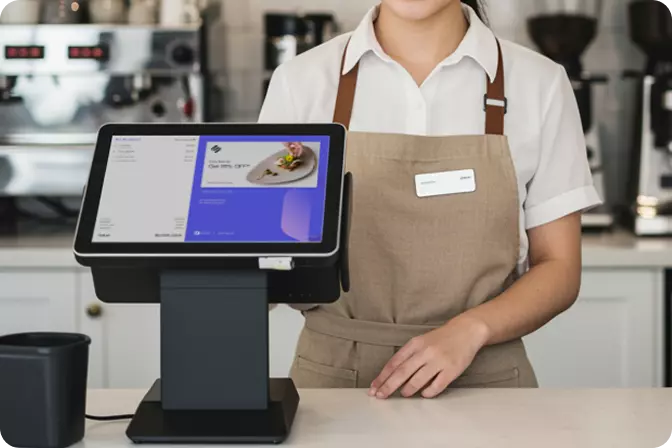

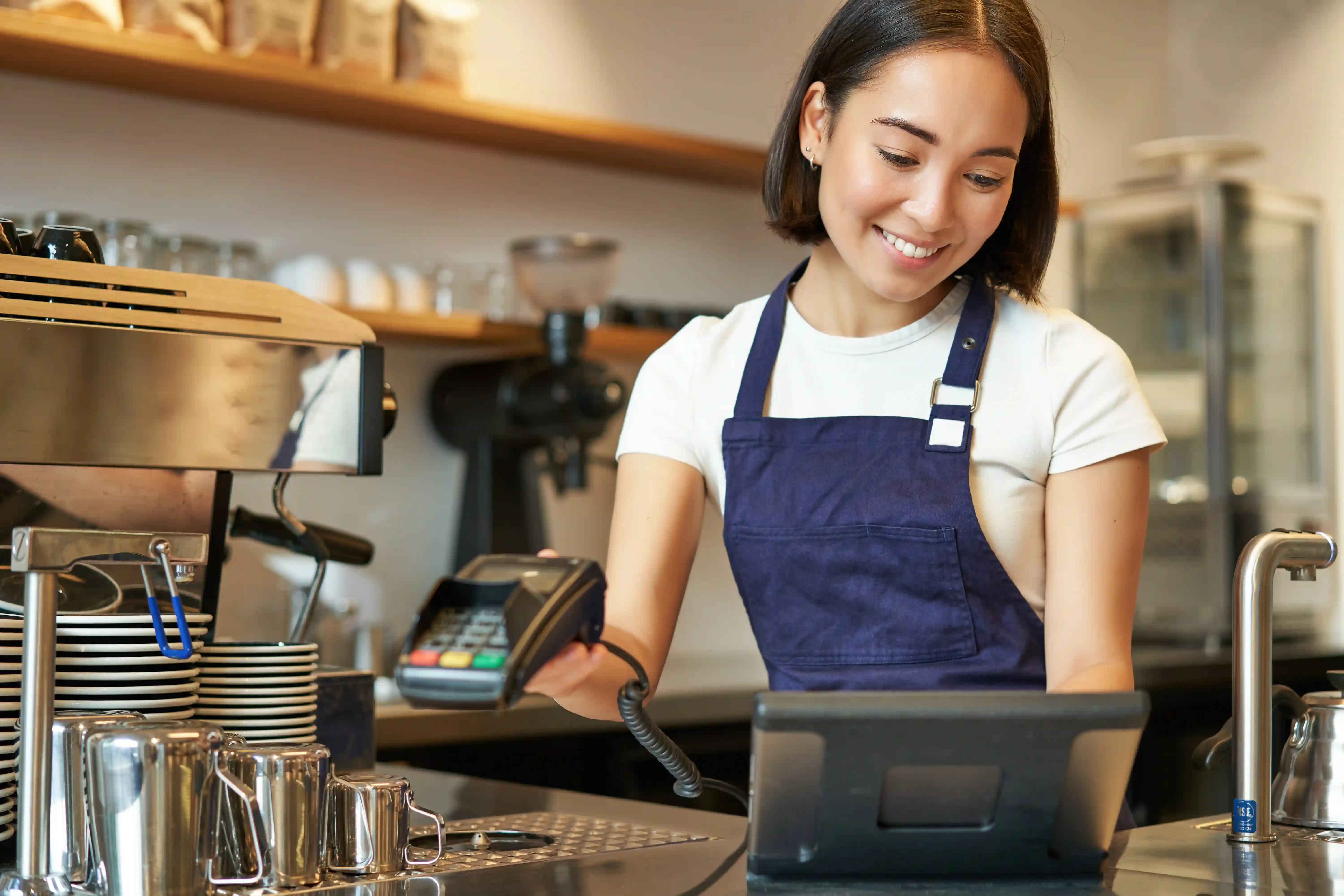
A POS system is a platform that records every sales transaction while managing stock, financial reports, and customer data in one place. For business owners, this isn't just a digital cash register. It's a control center that determines whether business decisions are made based on data, or based on guesswork.
Many business owners assume a POS system is only about speeding up transactions at the counter. In reality, its function goes much further. A good POS system becomes the bridge between day-to-day operations and strategic decision-making.
When transactions are recorded automatically, business owners can see which outlet is most profitable, what time of day sales peak, and which products need to be restocked sooner. Without this data, decisions about expansion or cost efficiency become expensive guesses.
Simply put, a POS system works across three steps.
Every sale is recorded in full, including the time, products sold, payment method, and which cashier handled it.
Transaction data automatically connects to warehouse stock, accounting systems, and customer loyalty programs if applicable.
All data is processed into reports that can be accessed anytime, even from outside the office.
These three steps are what allow business owners to stop waiting for manual reports from each outlet at the end of every month.
POS systems are generally categorized by installation method and industry sector.
By installation method, there are on-premise or locally installed POS systems, and cloud-based POS systems. Cloud POS has become the choice of most new businesses because data can be accessed from anywhere and it doesn't require expensive hardware.
By sector, there are POS systems for restaurants and cafes that typically include table and kitchen management features, retail POS systems that focus on stock management and barcode scanning, and multi-outlet POS systems designed specifically for businesses with multiple branches.
The larger the business scale, the more important it is to choose the right type from the start. Switching systems mid-operation is often more expensive than making the right choice the first time.
Not all POS systems are created equal. The following features should serve as your minimum standard before committing to any system.
Real-time stock management is the primary foundation, because unsynchronized stock across outlets can lead to losses or missed sales. Sales reports accessible from any device also matter, especially for business owners with multiple branches who aren't always on-site.
Integration with customer loyalty programs is increasingly sought after, given that retaining existing customers costs far less than acquiring new ones. Multi-outlet capability within a single dashboard is also critical for growing businesses, so owners don't have to open multiple separate applications to monitor each branch.
The impact of a POS system on a business can actually be felt across three areas at once: operational efficiency, data accuracy, and customer experience.
On the efficiency side, time previously spent on manual recaps can be redirected to more productive activities. On the accuracy side, errors in stock and transaction recording can be reduced significantly because everything is logged automatically.
Research from various retail technology solution providers consistently shows that F&B and retail businesses that switch to digital POS systems experience improvements in operational efficiency and reductions in stock discrepancies compared to those still relying on manual recording. This trend aligns with the growing number of small and medium businesses in Indonesia shifting to digital cashier systems in recent years, driven by post-pandemic efficiency needs and increasingly intense competition in the F&B and retail sectors.
Picture an F&B brand with ten branches across Jakarta and surrounding areas. Before using an integrated POS system, the business owner had to wait for manual reports from each outlet every end of the week, and the numbers often didn't match up.
After switching to a POS system connected to a single central dashboard, the owner could monitor the performance of all branches in real-time, see which menu items were selling best at each location, and make promotional decisions based on actual data rather than assumptions. A similar pattern plays out in retail businesses with multiple locations, where stock synchronization across stores becomes the key differentiator between smooth operations and operations full of unpleasant surprises.
When comparing the various POS systems on the market, several criteria deserve priority attention beyond just the look of the interface.
A system that works well for one outlet isn't necessarily good for ten.
Even the most sophisticated system becomes a headache if there's no responsive technical support when something goes wrong during peak hours.
The ability to connect with other systems such as accounting software, CRM platforms, or online ordering channels.
A POS system that's strong in one area but weak in others will typically create hidden costs down the line, whether in time, additional effort, or both.
Before deciding, it's worth answering a few fundamental questions. Is your business planning to open new branches in the near future? Does your team need reports that can be accessed from outside the business location? Do your customers expect a loyalty program that integrates directly with their transactions?
If the answer is yes to most of those questions, then the POS system you choose should be more than just a cashier machine. It should be a platform that grows alongside your business. This is where OMNI POS comes in as a solution built specifically for F&B and retail businesses with multiple outlets, featuring a centralized dashboard, real-time stock management, and customer loyalty integration all within the same system.
For business owners who have experienced the complexity of managing multiple branches with separate disconnected systems, OMNI POS is built to simplify all of that without sacrificing control over your data.

 EN
EN
 ID
ID