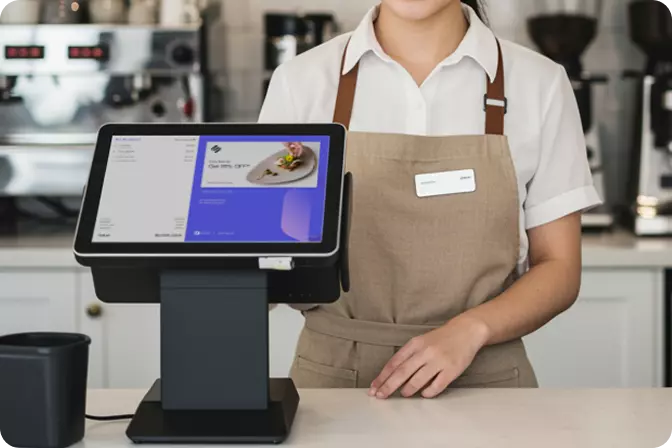

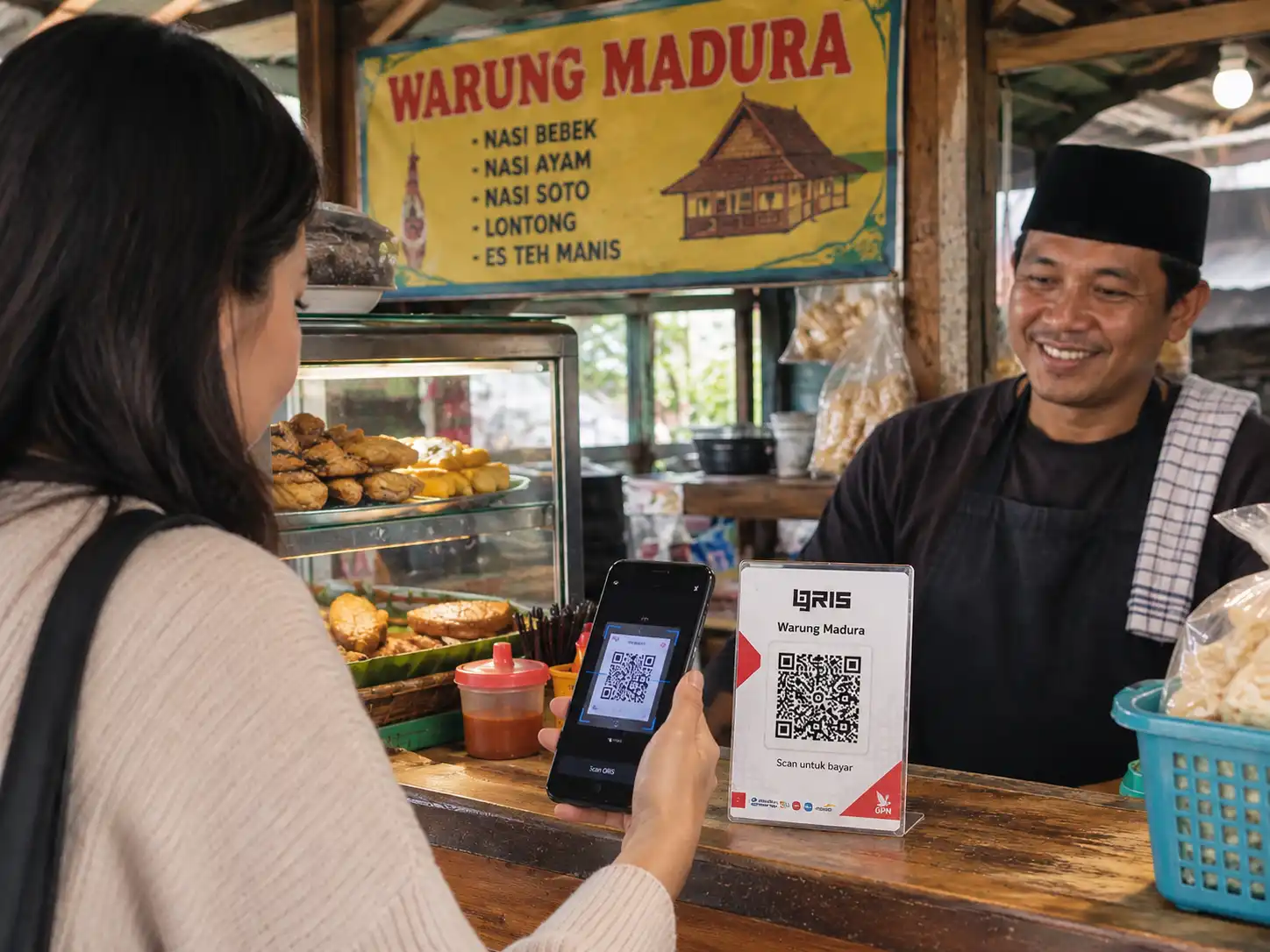
Setting up QRIS for your business can be done through a banking app, an e-wallet, or a POS provider registered as a PJSP (Payment System Service Provider) with Bank Indonesia. The process only needs an ID card, a business registration number (NIB) or a certificate of business, and a bank account under the business's name. Once approved, the QRIS code can be used right away to accept payments from every digital payment app in Indonesia, from GoPay, OVO, and Dana to mobile banking.
It sounds simple. But plenty of MSME owners still hesitate to put up QRIS. The reasons vary: fear of complicated paperwork, confusion over which provider to pick, or worry about transaction fees. This article walks through the steps to set it up, along with the details that tend to confuse people about fees and QRIS types.
Picture a customer already in line at the register, ready to pay, who then asks, "I'm short on cash, do you have QRIS?" If the answer is no, there's a good chance they'll skip the purchase or walk off to find an ATM. Small moments like this are easy to overlook, but they add up to real lost revenue.
Bank Indonesia data shows QRIS is now used by around 44.86 million merchants across Indonesia, and nearly all of them, 96.68 percent, are MSMEs. This isn't a passing trend. It has become the standard way Indonesians pay day to day. Businesses without QRIS are slowly losing customers who carry less and less cash.
Before registering, prepare the following documents so the process doesn't get held up.
With these five items ready, registration usually wraps up within a few business days. Some providers even process it within 24 hours.
Here's the sequence most MSME owners in Indonesia follow.
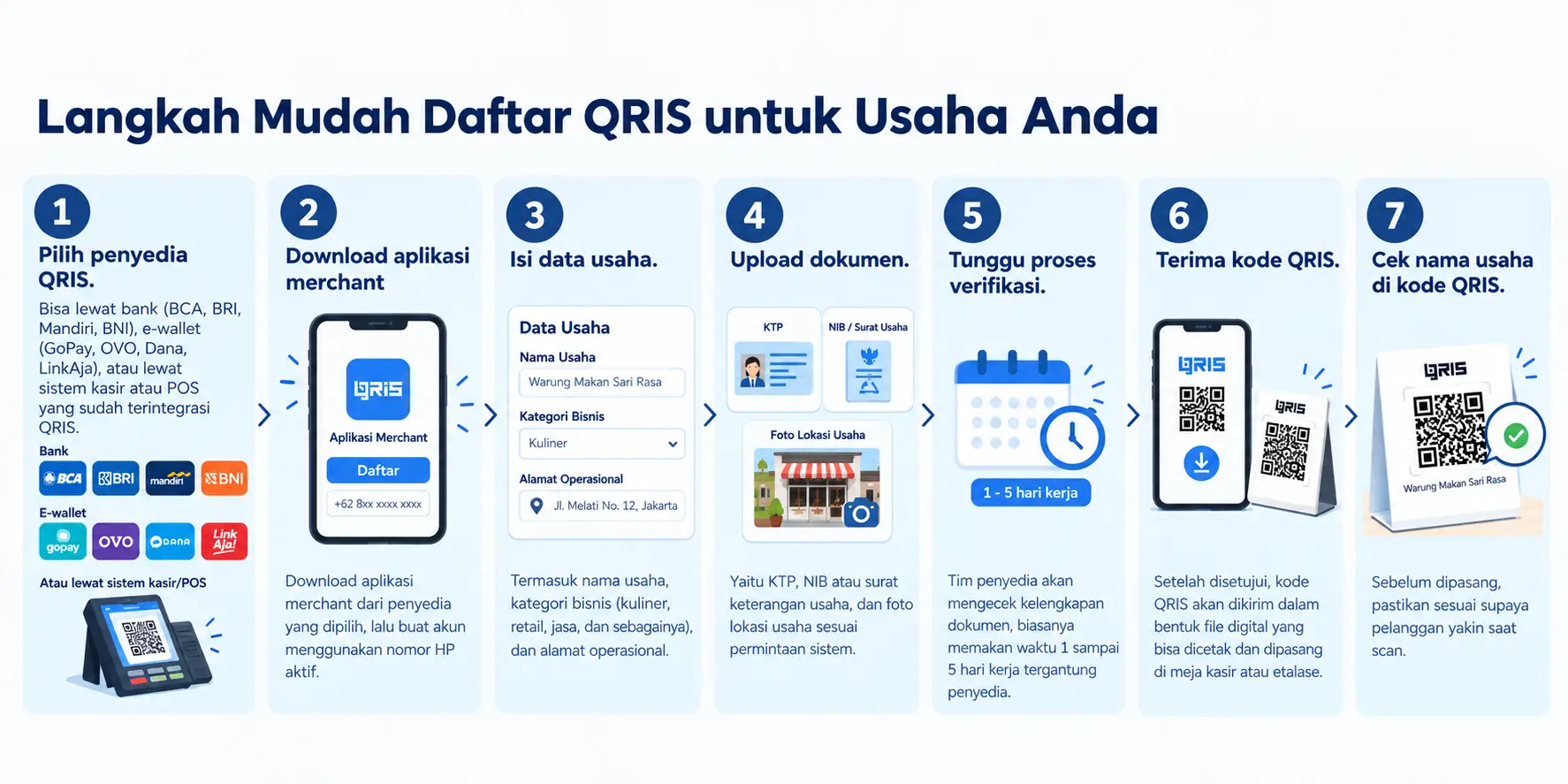
One thing that often gets overlooked: the QRIS code should be laminated or placed somewhere both cashiers and customers can easily see. A code that's creased or blocked by other items only slows down the payment process, the opposite of what QRIS is meant to do.
This is the part people ask about most, and the answer is getting lighter for MSMEs. This fee is called MDR (Merchant Discount Rate), a percentage automatically deducted from every transaction that comes in through QRIS.
The previous standard set MDR at 0.3 percent for micro businesses and 0.7 percent for small, medium, and large businesses. Starting October 1, 2026, however, Bank Indonesia is expanding its 0 percent QRIS MDR policy to ease transaction costs for MSMEs and certain merchant categories. Specifically, QRIS transactions up to Rp500,000 at micro business merchants carry no MDR at all, while small, medium, and large business merchants get 0 percent MDR on transactions up to Rp100,000. Above those thresholds, the standard rate still applies.
One important note: this MDR fee is entirely the merchant's responsibility, not the customer's. Adding an extra charge to a customer paying with QRIS violates Bank Indonesia's rules, so make sure this practice never happens at your business.
Static QRIS is a single, fixed QR code displayed at the register, where the customer enters the payment amount themselves when scanning. This works well for warungs, small cafes, or businesses with manual transactions still logged by hand. Dynamic QRIS generates a unique QR code for every transaction through the POS system, with the amount already filled in based on the receipt, so the customer just needs to confirm payment without typing anything.
The problem is, many businesses still use static QRIS even though their transaction volume has grown significantly. As a result, cashiers have to double check the amount manually, and customers are prone to entering the wrong figure. Lines get longer during busy hours, defeating the original purpose of using QRIS in the first place.
Once transaction volume starts to pick up, the answer isn't just switching to dynamic QRIS. It's moving to a system where QRIS is already built directly into the cash register. OMNI POS is designed to cut all of that down into a single flow, from the customer scanning to sales reports landing automatically on the dashboard, without cashiers needing to jump between apps.
A few reasons OMNI matters once a business starts taking payments seriously:
For businesses still at a single outlet with moderate transaction volume, standard static QRIS is usually enough. But once long lines become a daily problem, or you're opening a second branch, that's where a system like OMNI starts to make a real difference, since everything that used to be done by hand now runs on its own.
A few small mistakes tend to stretch out the verification process longer than it needs to be.
If any of these happen, the process can usually still move forward, it just needs extra time for clarification. So before submitting, double check all the details to get approved on the first try.
Setting up QRIS is genuinely the easiest and cheapest first step toward accepting digital payments. But if you've read this far because you're tired of recapping transactions by hand every time you close up, or overwhelmed during rush hour, that's a sign QRIS alone isn't enough for your business operations anymore.
OMNI was built for exactly that point, one system that brings QRIS, POS, self-ordering kiosks, and sales reports together into a single dashboard, without adding another app. See for yourself how OMNI can be set up at your business at getomni.id. Plenty of other MSME owners have felt more at ease running their stores since making the switch.

 EN
EN
 ID
ID