
Long queues at the counter are not only a test of your customers' patience. They represent sales that never happened, because people walked away before they had the chance to order. An android kiosk exists to close that gap.
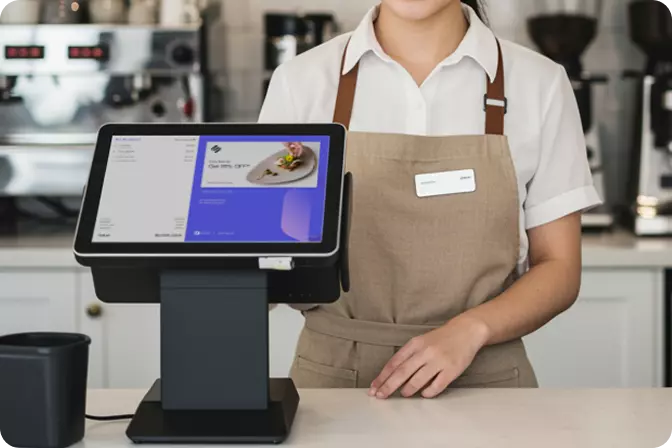
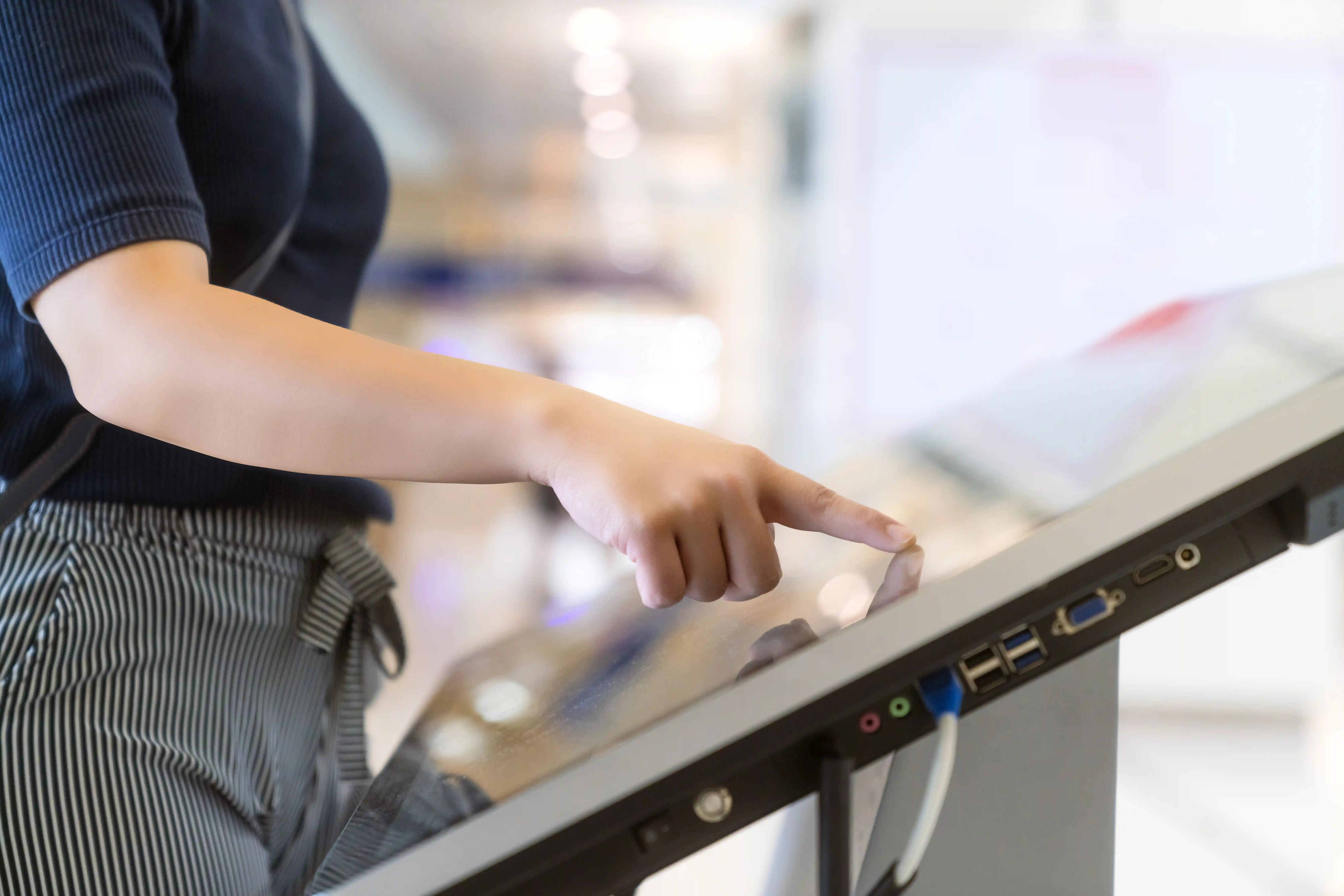
An android kiosk is a touchscreen device running on the Android operating system that lets customers order, pay, and even print their own receipt without queuing at the counter.
It usually stands in a corner of the restaurant or near the entrance of a store, connected directly to your point of sale system and kitchen in real time. The definition really is that simple. The effect on daily operations, however, is far bigger than it looks.
The flow is straightforward. A customer taps the screen, selects a menu item, adjusts preferences such as toppings or size, then pays on the spot by card, QRIS, or digital wallet.
Once the payment goes through, the order moves automatically into the point of sale system and is passed on to the kitchen or the warehouse. The whole process runs without any manual record keeping.
Not every business needs the same format. Four options are commonly used in Indonesia.
A good fit for quick service restaurants with heavy customer traffic. It is usually placed near the entrance so the queue starts breaking up straight away.
The right choice for retail stores or cafés working with limited space.
Saves floor space while staying easy for customers to reach.
Increasingly popular among smaller businesses that want to try self-ordering without a large upfront investment.
Before you decide, a few things deserve to sit at the top of your checklist.
Your customers come from every age group. If ordering a single item requires lengthy instructions, the kiosk simply creates a new queue of its own.
Support for several payment methods is essential, because the way people pay in Indonesia keeps getting more varied, from cash to cards to digital wallets.
This is the feature most often overlooked. A digital system offers an add-on with every single order, while a cashier under pressure from a growing queue tends to forget.
Connected to your point of sale system and inventory, so your business reports stay accurate without needing a second check.
These four points form the foundation of Omni Kiosk, which is why its role does not stop at being an ordering screen.
This is the part that matters most if you are weighing up the investment seriously.
RestroWorks research from 2025 found that self-service kiosks lift the average transaction value in quick service restaurants by 10 to 30 percent. A separate study by Appetize showed service times falling by tens of percent after kiosks were introduced. Several large restaurant chains in Indonesia report a similar pattern since moving to self-ordering.
In short, the benefits show up in three forms:
A fair question to ask is why an android kiosk rather than a manual counter or a Windows-based kiosk.
Compared with a manual counter, an android kiosk wins on consistency. The system never gets tired, never miscounts, and keeps performing at its best even during the busiest hours.
Compared with a Windows-based kiosk, an android kiosk is generally lighter on both device cost and maintenance. Its performance remains steady for everyday retail and F&B needs.
Before committing to a kiosk, check these four things first.
A kiosk that stands alone as a separate application only creates new reconciliation work instead of reducing it.
A broken device without responsive service will disrupt your operations. Ask about response times and the availability of spare parts in the city where your outlet is located.
Can the menu and interface be adapted to your brand identity, or is it a fixed template?
This matters especially if you plan to open new branches soon. Adding one more kiosk should be as easy as adding one more line to your dashboard.
This is where Omni Kiosk comes in.
Omni Kiosk is not merely an ordering screen. It is part of a connected point of sale and self-ordering ecosystem. Every transaction syncs immediately with your sales reports, stock levels, and customer data, with no manual process behind the scenes.
If you run an F&B or retail business with multiple branches, Omni Kiosk is built to simplify the things that have long felt difficult. That ranges from centralised menu management to live reports you can open at any time, from anywhere.
Because in the end, investing in an android kiosk is not about buying a device. It is about buying back the time and accuracy that have been disappearing behind long queues.
Would you like to see how Omni Kiosk works in your own business? Our team is ready to help you put together a simulation that matches your current scale of operations.

 EN
EN
 ID
ID